
What LinkedIn does itself, and where it stops
LinkedIn gives every member a composer, a scheduler and post analytics for free. Its AI writing tool for posts is, says its own help centre, "not available at this time". Here is what the native tools cover and what MediaPilot adds.
- 7-day free trial
- Cancel anytime
- From $9.90 / month

Topic, text and image, in your workspace's tone.
Profiles and pages: what goes out, and when.
Comments in one inbox, with suggested answers.
Composer, scheduler and analytics, at no charge
You can do a great deal on LinkedIn without any other tool. The composer takes text, photos, video, documents and polls. The clock icon schedules a post from ten minutes to three months ahead. Every post has analytics: impressions, members reached, reactions and comments. The AI part is less settled. LinkedIn's help article on its AI-powered writing tool for posts is now marked as no longer available and says new tooling will follow. Other help pages still mention a draft-with-AI option in the share box and list AI writing help among Premium features. What you see depends on your account, and on the month you read this.
- Native scheduling: ten minutes to three months ahead
- Native analytics on every post, free
- AI writing tool for posts: unavailable, says LinkedIn
The step before the composer
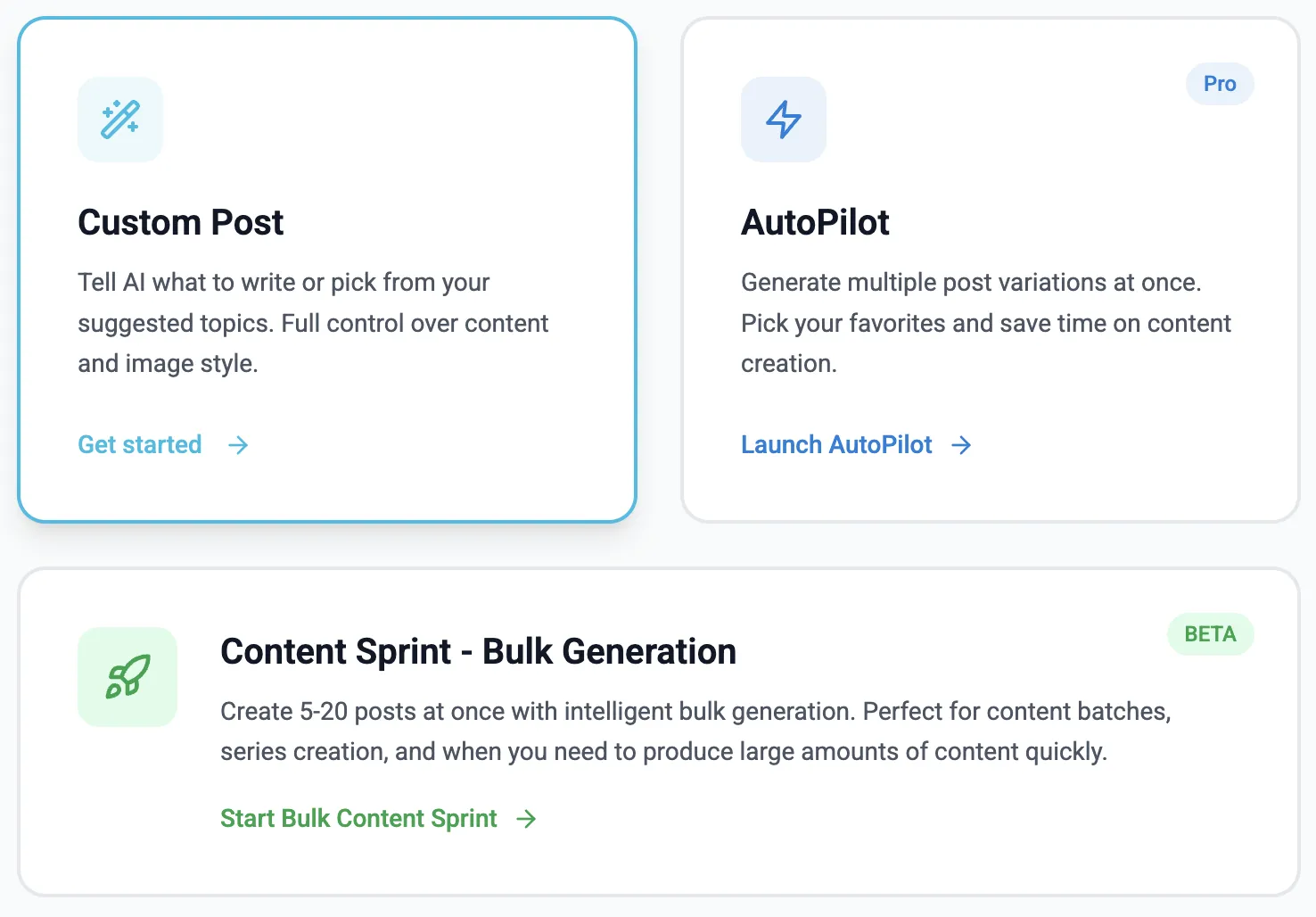
If scheduling is not what stops you, the empty box usually is. MediaPilot keeps a pool of topics built from your profile, links and documents, writes the draft in your workspace's tone and generates an image for it. You edit and approve. Publishing still goes through LinkedIn itself. MediaPilot uses the official API: you approve the connection on LinkedIn's own login page, share no password and install no extension. What goes out is an ordinary LinkedIn post, so LinkedIn's analytics keep working for it. And through MediaPilot's MCP server, an assistant such as Claude or ChatGPT can do the same work from a chat.
- Topic pool from your profile, links and documents
- An image generated with each draft
- Official LinkedIn API, no password, no extension
MediaPilot and LinkedIn
| MediaPilot | ||
|---|---|---|
| AI writing for posts | Yes — topic, draft and hook | Currently unavailable; new tooling announced |
| Image for the post | Generated per post | You add your own photo, video or document |
| Scheduling | Calendar; the post goes out on time | Free — ten minutes to three months ahead |
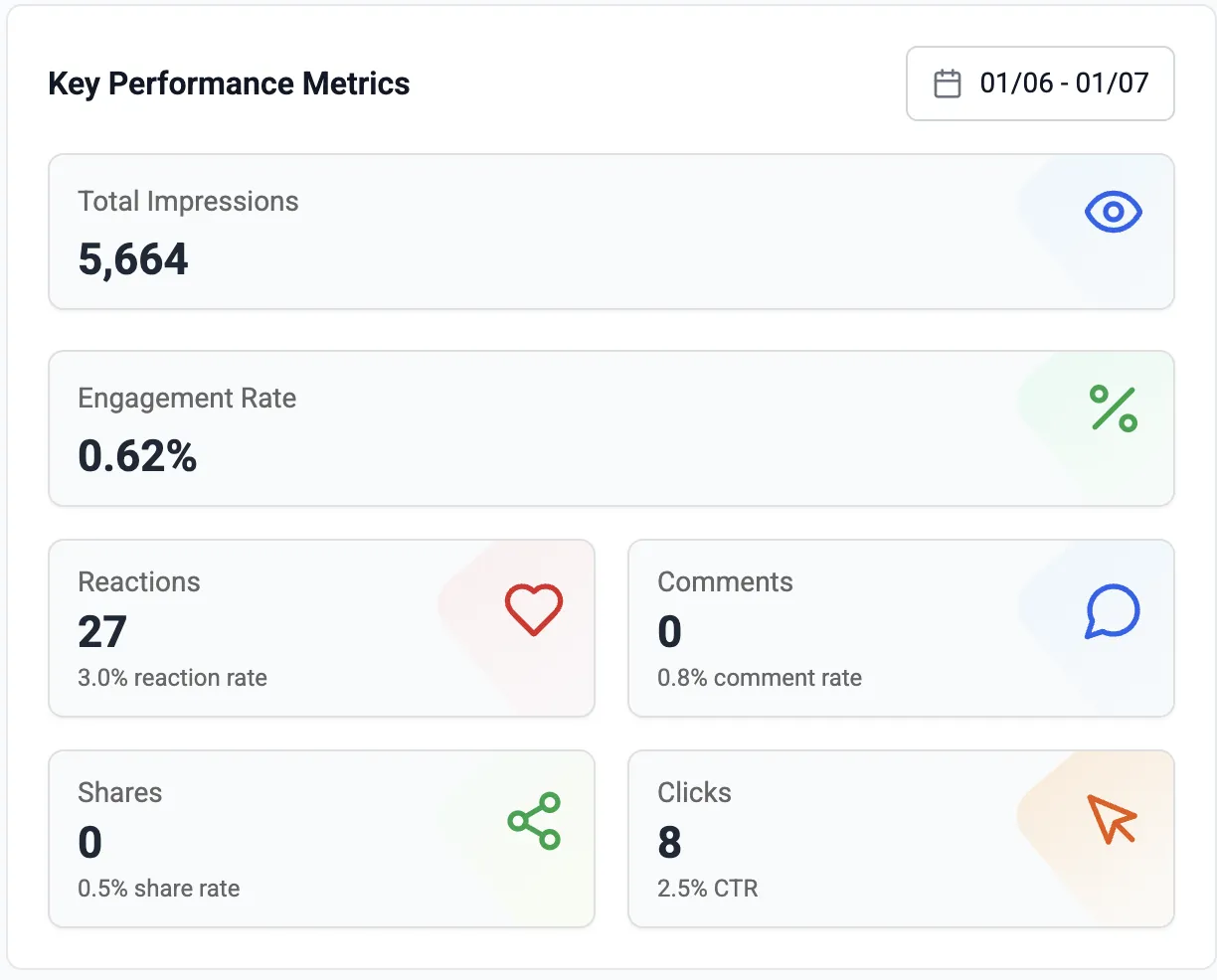
| Post analytics | Impressions, reactions, comments, clicks | Free — impressions, members reached and more |
| Post formats | Text with one image and a link | Text, photos, video, documents, polls |
| Price | $9.90 / month, 7 free days | Free; AI writing help listed under Premium |
LinkedIn details from LinkedIn Help, checked on 5 October 2026. Prices change — check before you decide.
Where LinkedIn alone is the better choice
If the words come easily, the native composer and scheduler are enough, and free. Our drafting step would go unused.
LinkedIn's composer handles all of them. MediaPilot makes one format: a written post with a single image.
MediaPilot uses the official API and can be revoked at any time. With LinkedIn's own tools there is nothing to connect.
Good to know
Its help article says the tool is not available and new tooling will follow (as of 5 October 2026). Another help page still mentions a draft-with-AI option, so check your share box.
Yes, free: the clock icon schedules a post from ten minutes to three months ahead. MediaPilot adds the drafts, and one calendar for profiles and pages.
No. They are published through LinkedIn's official API and appear like any other post, with LinkedIn's own analytics.
Yes. Every plan starts with 7 free days. Cancel in one click if it is not for you.
Yes. MediaPilot uses the official LinkedIn API and never asks for your password.
LinkedIn publishes. MediaPilot gets you to the post.
Seven days free, then from $9.90 a month.
Start free trial- 7-day free trial
- Cancel anytime
- From $9.90 / month