
ChatGPT writes the post. Then what?
ChatGPT is a very good writer when you bring the idea, the context and the prompt. A LinkedIn channel also needs a picture, a calendar, a way onto LinkedIn and the numbers afterwards. Here is what each tool does, and how they work together.
- 7-day free trial
- Cancel anytime
- From $9.90 / month
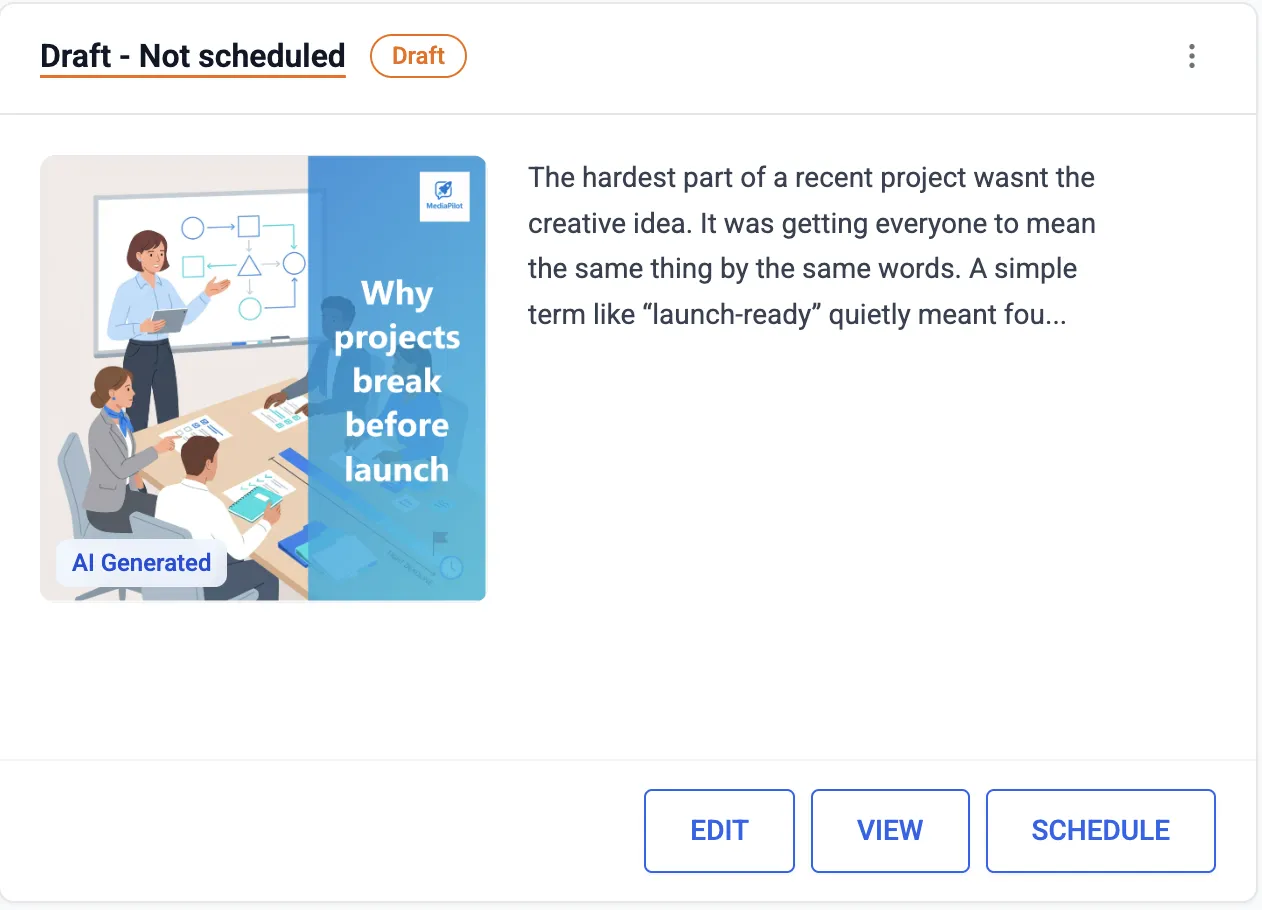
Topic, draft, image, schedule, results.
Profiles and company pages, at the time you set.
ChatGPT can work inside MediaPilot over MCP.
A strong writer that reaches LinkedIn through plugins
Give ChatGPT an idea, context and a clear prompt, and the draft is good. It also generates images, keeps context in memory and projects, and runs scheduled tasks that repeat a prompt at a set time. What it does not do by itself is put the post on LinkedIn. It reaches other services through plugins: LinkedIn's own plugin is for looking up people, while third-party schedulers in the directory do publish. On Plus and Pro it can also work through websites in a cloud browser — a browser session, not LinkedIn's API. MediaPilot is the opposite kind of tool: one job, end to end. Topic pool, draft in your workspace's tone, image, calendar, publishing through the official LinkedIn API, then the numbers per post.
- ChatGPT: drafts, images, memory and scheduled prompts
- LinkedIn's own ChatGPT plugin looks up people
- MediaPilot: topic, draft, image, calendar, publishing
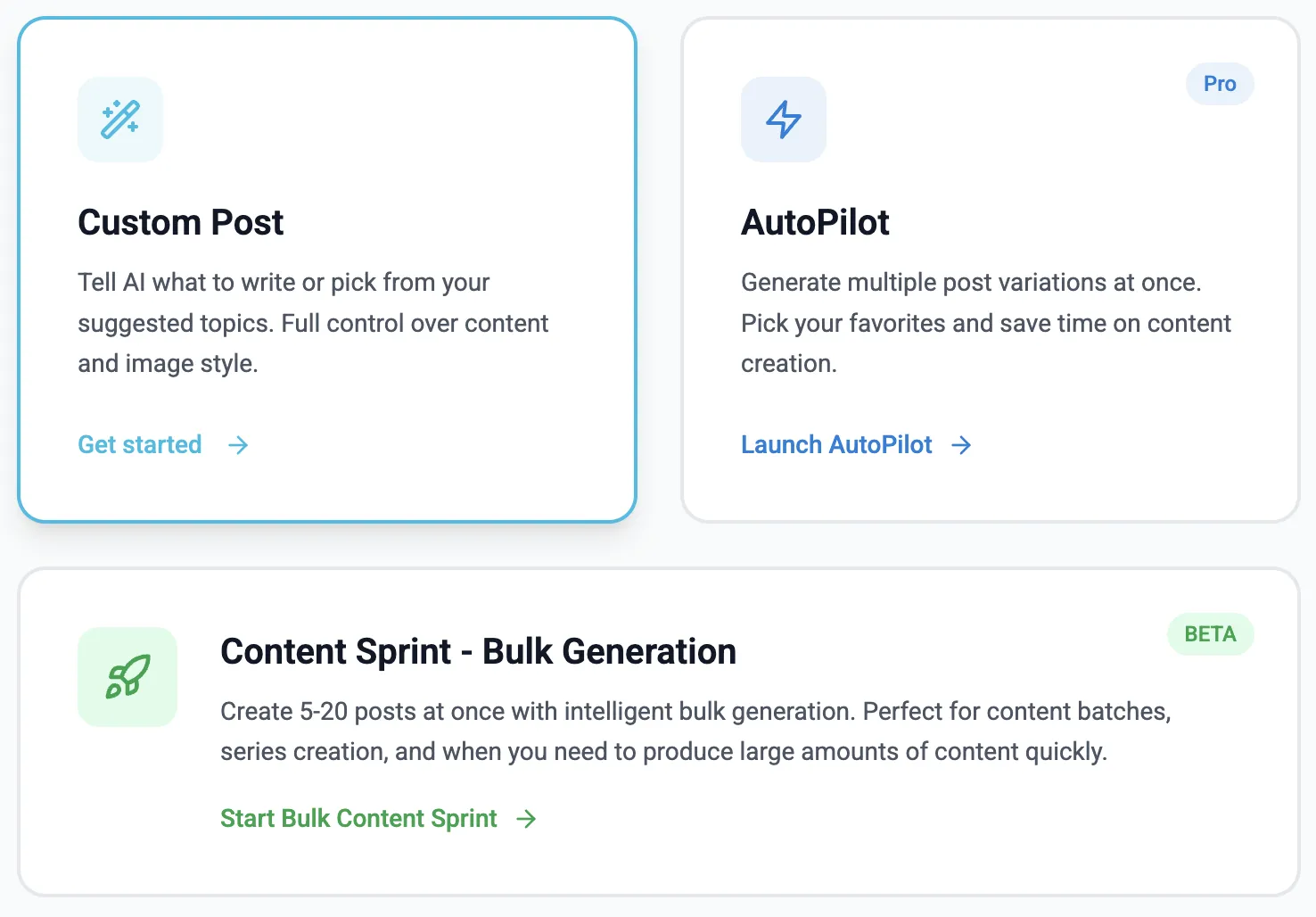
ChatGPT in the chat, MediaPilot as the hands
MediaPilot has an MCP server, so ChatGPT can use it like any other plugin. You stay in the chat; the work happens in your MediaPilot workspace. Ask what is worth posting and ChatGPT reads your topic pool. Ask for a draft and it lands in MediaPilot with its image — never on LinkedIn. Say "schedule it for Tuesday 09:00 CET" and MediaPilot publishes it then. Later, ask how it did and ChatGPT reads your real analytics. Two caveats. The connection needs MediaPilot Growth or Scale. And OpenAI's own pages differ on plans: the pricing page lists developer mode for Plus and Pro, while the help centre says write actions are rolling out to Business, Enterprise and Edu, with Pro read-only.
- Drafts land in MediaPilot, not on LinkedIn
- Read, draft, schedule and publish are granted separately
- Every call is logged; revoke the connection at any time
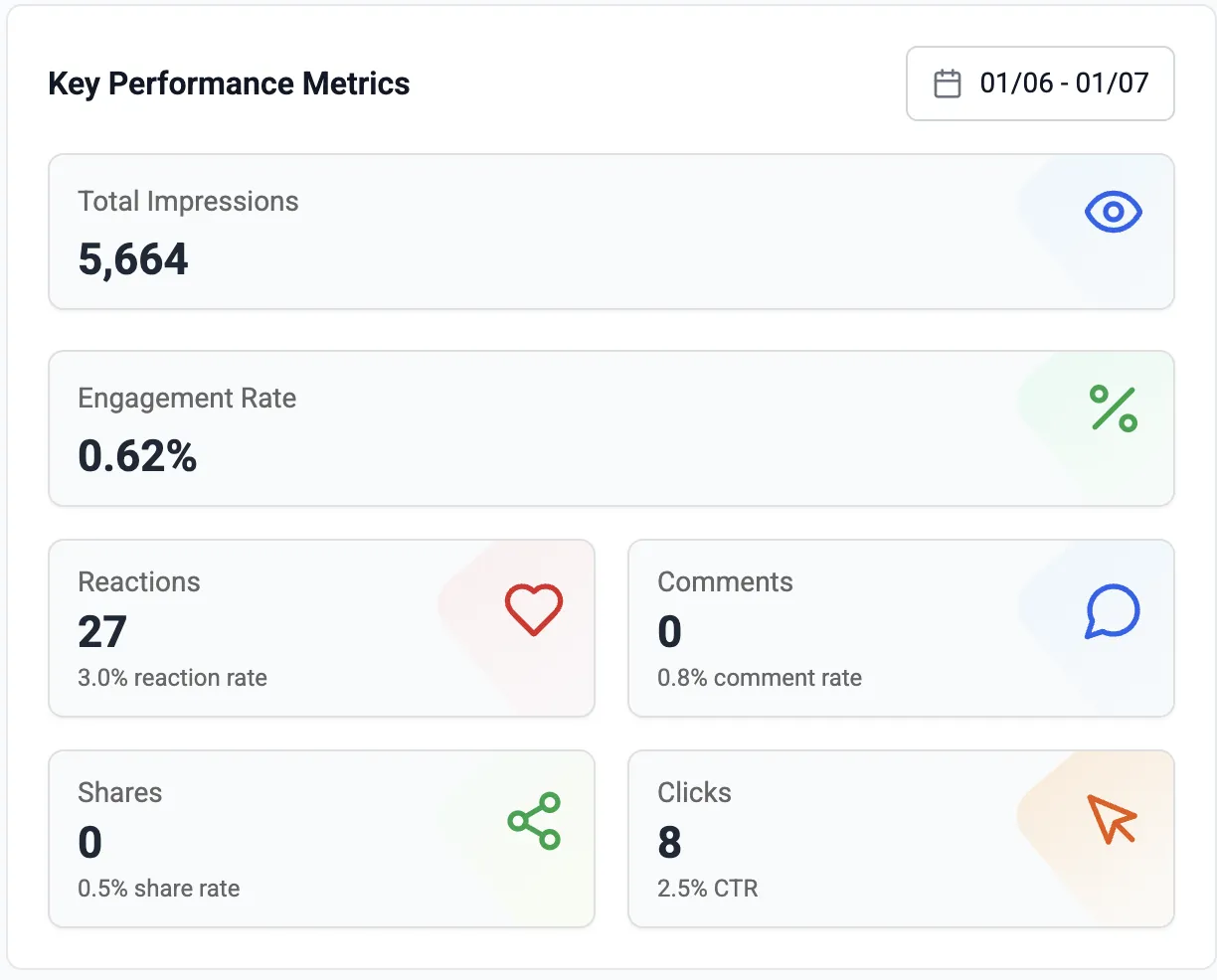
MediaPilot and ChatGPT
| MediaPilot | ChatGPT | |
|---|---|---|
| Writes the post | Yes — from a topic or one line | Yes — from your prompt |
| Creates the image | Yes — generated per post | Yes — limited on the free plan |
| Publishes to LinkedIn | Yes — official LinkedIn API | Not by itself — via a plugin or browser session |
| Scheduling | Calendar; the post goes out on time | Scheduled tasks re-run a prompt |
| Connecting the two | MCP server, on Growth and Scale | Custom MCP servers in developer mode (beta) |
| Entry price | $9.90 / month, 7 free days | Free plan; Plus is $20 / month |
ChatGPT details from chatgpt.com/pricing and help.openai.com, checked on 5 October 2026. Prices change — check before you decide.
Where ChatGPT is the better choice
ChatGPT writes emails, documents and code as well as posts, and draws pictures. MediaPilot only does LinkedIn posts.
A free ChatGPT draft pasted into LinkedIn's composer costs nothing. A subscription pays off once posting is a routine.
ChatGPT writes for any network, and its plugin directory lists schedulers for several. MediaPilot is LinkedIn only.
Three steps
Add a custom MCP server
https://mcp.media-pilot.io/mcp
Pick workspaces and rights
Read only, or up to publishing.
Ask for a post
It appears in MediaPilot, with its image.
Good to know
No: it needs a plugin with your LinkedIn connection, or a browser session. Connected to MediaPilot, it drafts and schedules; MediaPilot publishes through the official API.
Not for the writing. For the image with every draft, the calendar, the publishing and the analytics. If you only need text now and then, ChatGPT alone is enough.
The MCP connection is part of Growth, $29.90 a month, on top of your ChatGPT plan. Without it, Starter at $9.90 does the same work in the MediaPilot app.
Yes. Every plan starts with 7 free days. Cancel in one click if it is not for you.
Yes. MediaPilot uses the official LinkedIn API and never asks for your password.
Keep ChatGPT. Add the rest of the channel.
Seven days free, then from $9.90 a month.
Start free trial- 7-day free trial
- Cancel anytime
- From $9.90 / month